TOOLS
Southern California Attendance Program Standard
Format:
PDF
Size:
8.5"x11"
Intended audience:
Frontline employees, managers and teams
Best used:
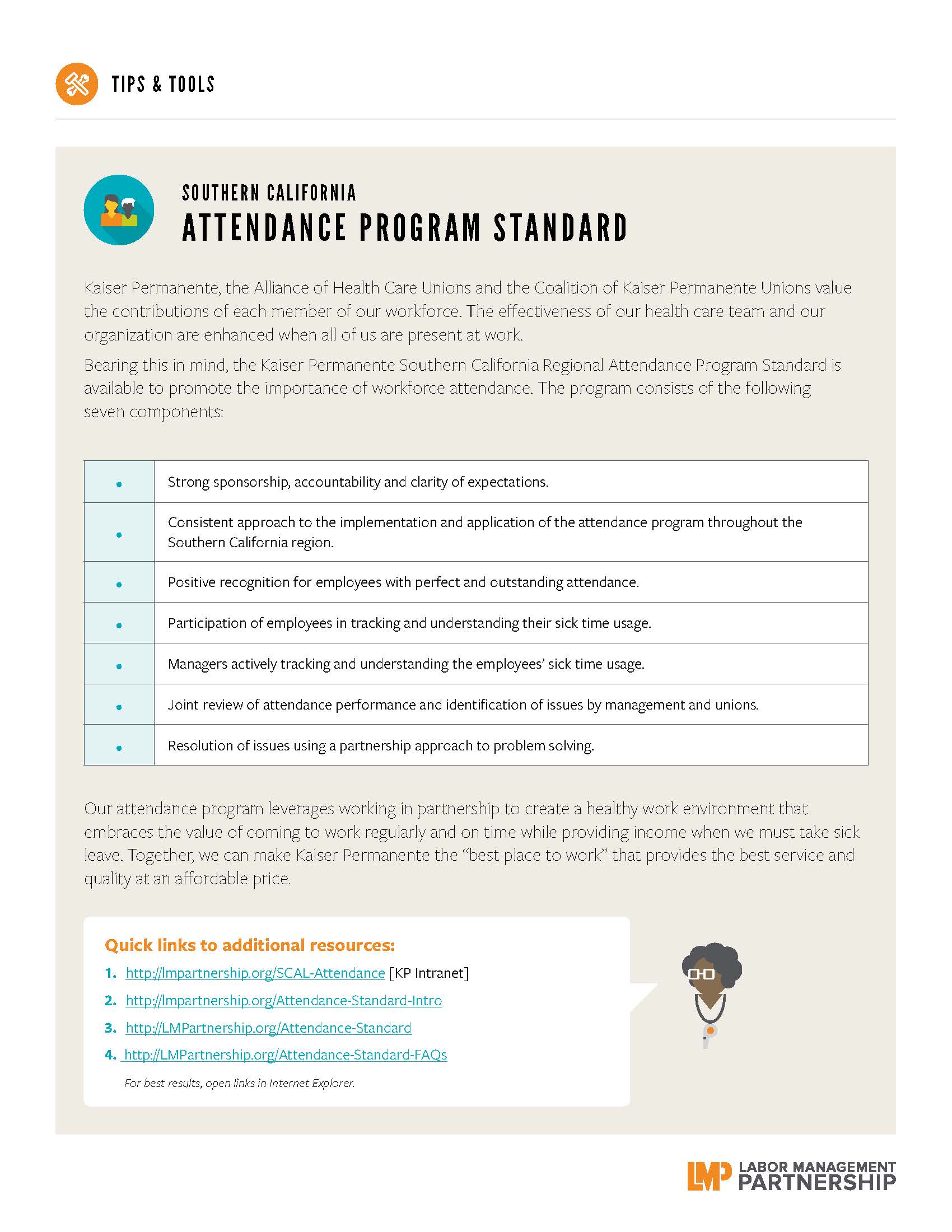
Use this tool to learn about the Southern California Attendance Program Standard.
This short animated video explains how to find and use our powerful how-to guides
Does your team want to improve service? Or clinical quality? If you don't know where to start, check out the team-tested practices on the LMP website. This short video shows you how.
Having trouble using the search function? Check out this short video to help you search like a pro!
Need to find a checklist, template or puzzle? Don't know where to start? Check out this short video to find the tools you need on the LMP website with just a few clicks.
Format:
PDF
Size:
8.5"x11"
Intended audience:
Frontline employees, managers and teams
Best used:
Use this tool to learn about the Southern California Attendance Program Standard.
Format:
PDF
Size:
Intended audience:
Frontline managers and unit-based team co-leads
Best used:
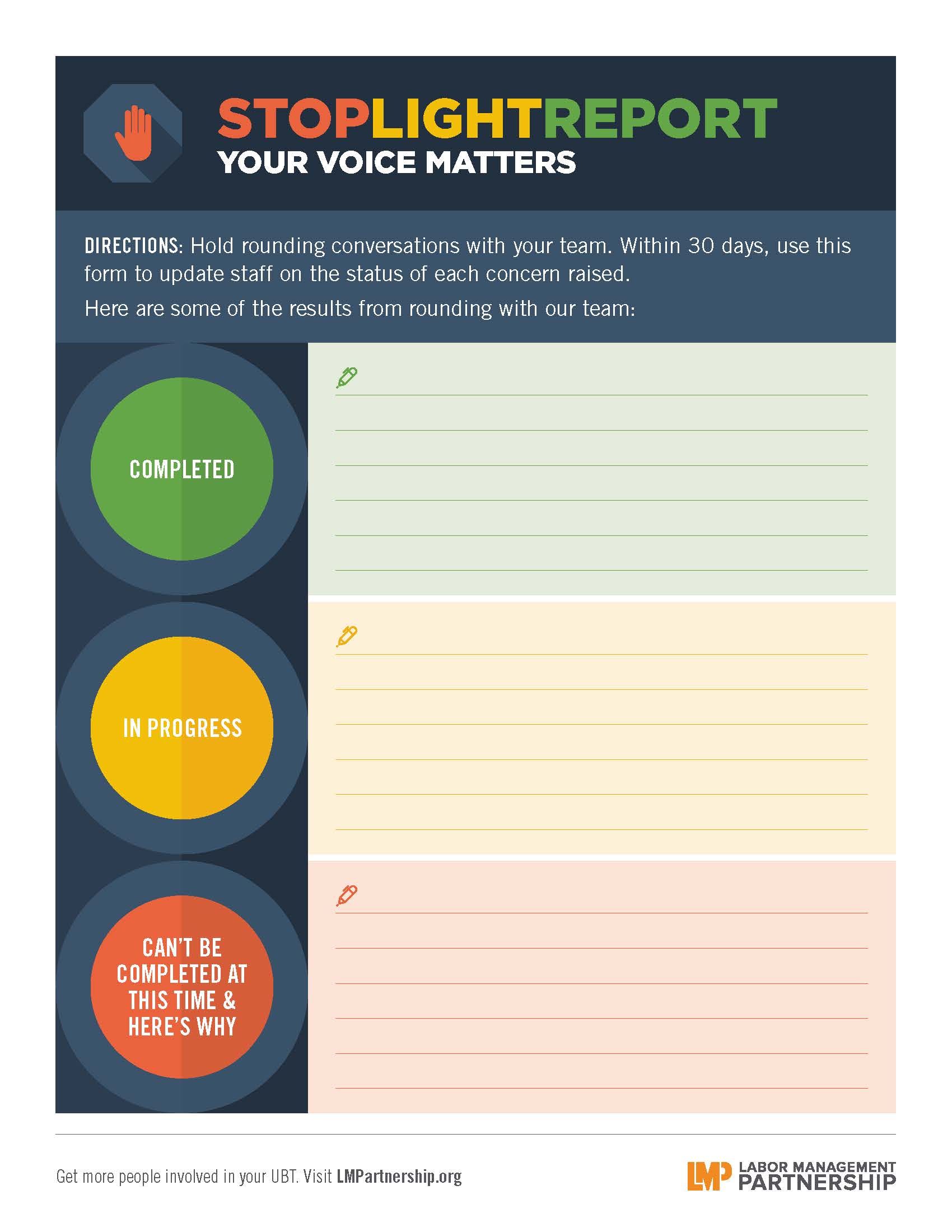
Use this visual aid to show team members the status of issues raised in rounding conversations; available in standard size and as a 24"x36" poster for large-format printers.
Format:
Word doc
Size:
8.5" x 11"
Intended audience:
Farmers market champions
Best used:
Promote your farmers market with this customizable poster template that allows you add a photo, headline and caption.
How to:
To insert a photo, open Microsoft Word and click "Insert." Under "Picture Tools," choose "Position." Then click "Position in Middle Center with Square Text Wrapping."
Format:
PDF (color and black and white)
Size:
8.5" x 11"
Intended audience:
Frontline employees, managers and physicians
Best used:
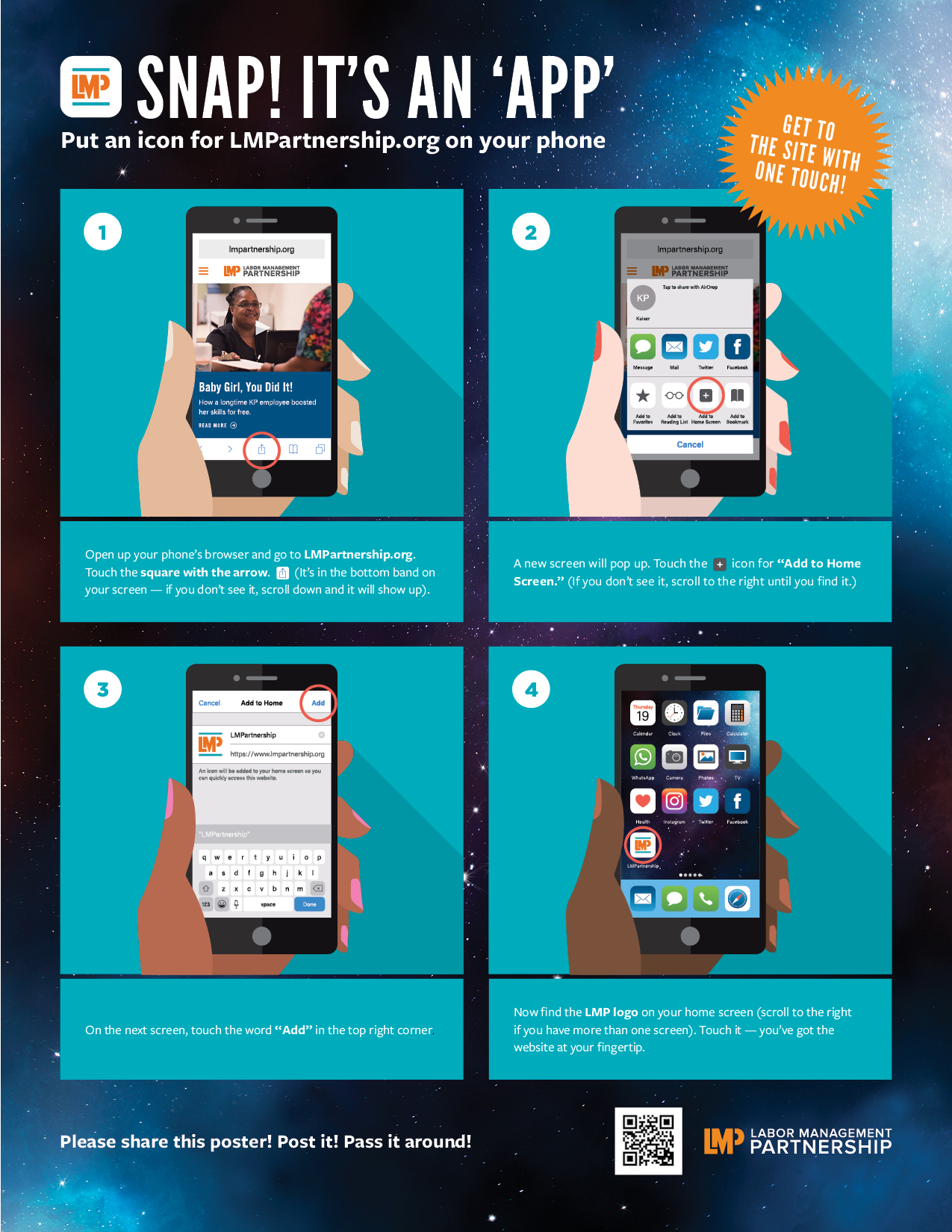
This poster demonstrates how to put an icon for LMPartnership.org on your smartphone. Share this with your teams and post it in breakrooms and on bulletin boards.
Format:
PDF and PPT slide
Size:
8.5" x 11"
Intended audience:
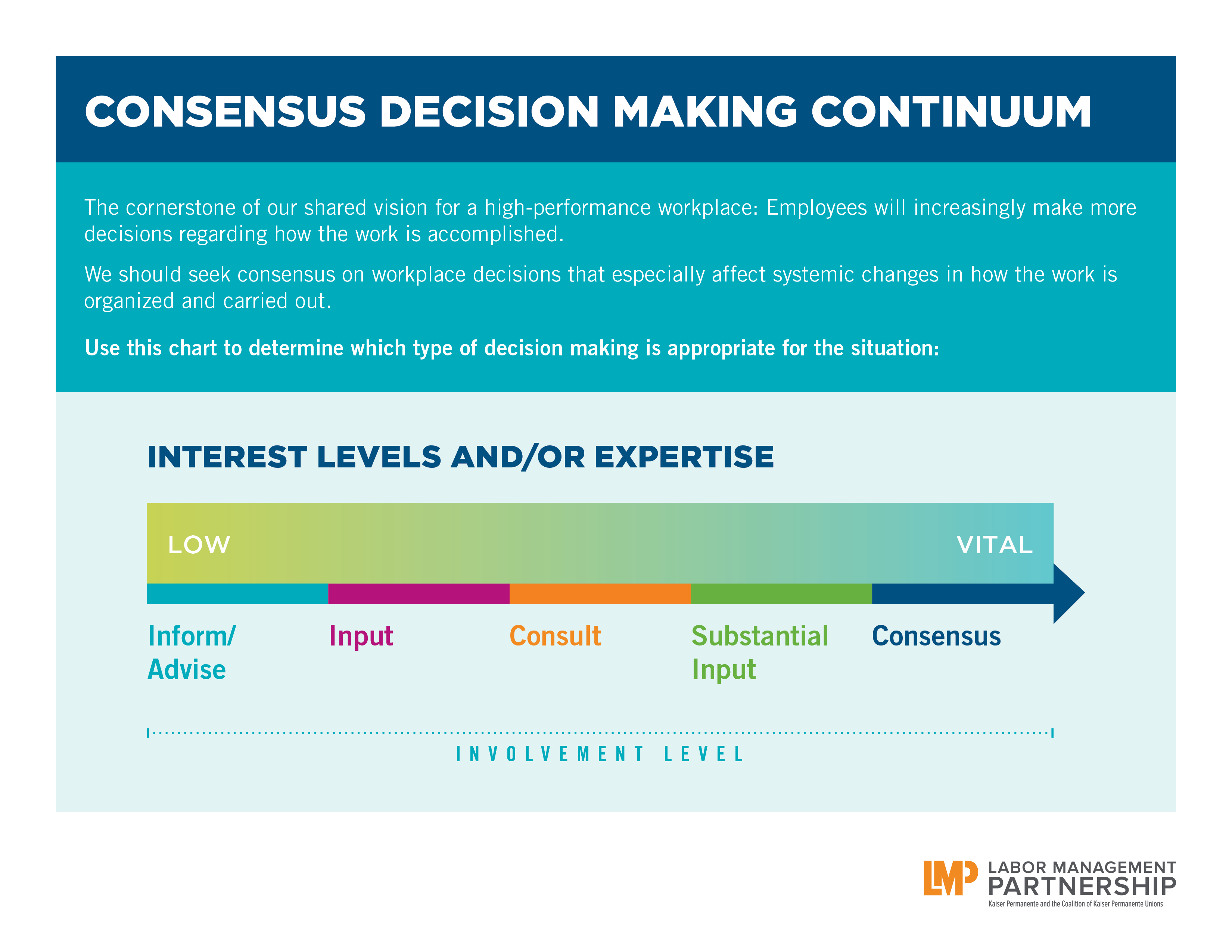
Leaders at any level who need to articulate what process will be used to make a decision.
Best used:
Hand out at meetings or use in presentations when discussing consensus decision making and interest based problem solving.
Format:
PDF
Size:
11" x 17" (tabloid)
Intended audience:
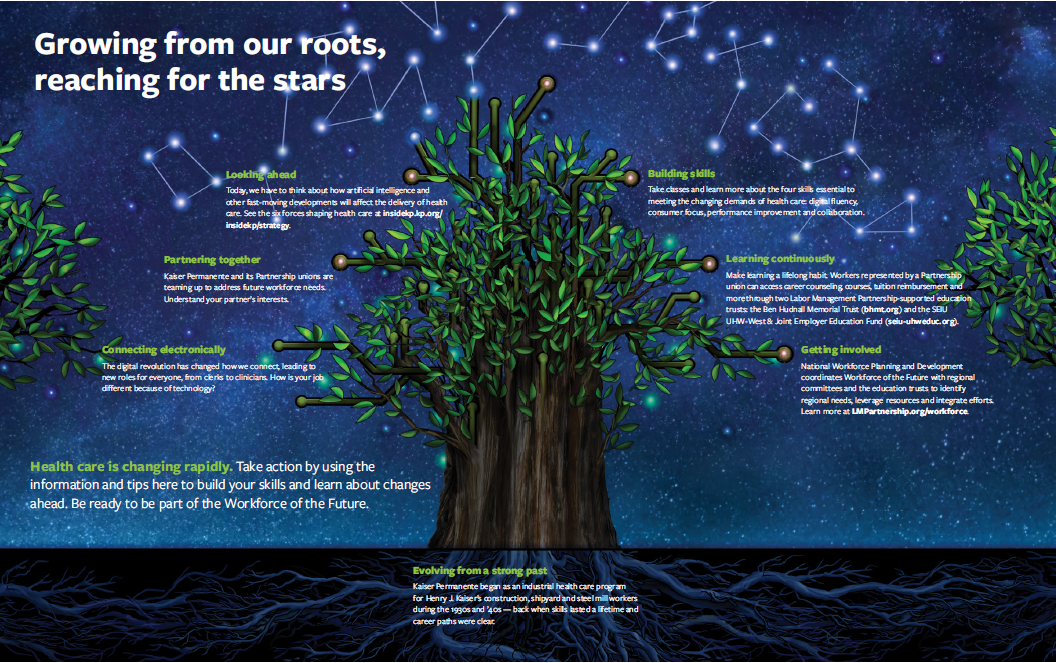
Managers, union stewards and others who want to promote the workforce development programs offered by Kaiser Permanente and our unions.
Best used:
Print out this tabloid-sized poster to hang in work areas and break rooms.
Format: PDF (color and black and white)
Size: 8.5" x 11"
Intended audience: Frontline workers, unit-based teams
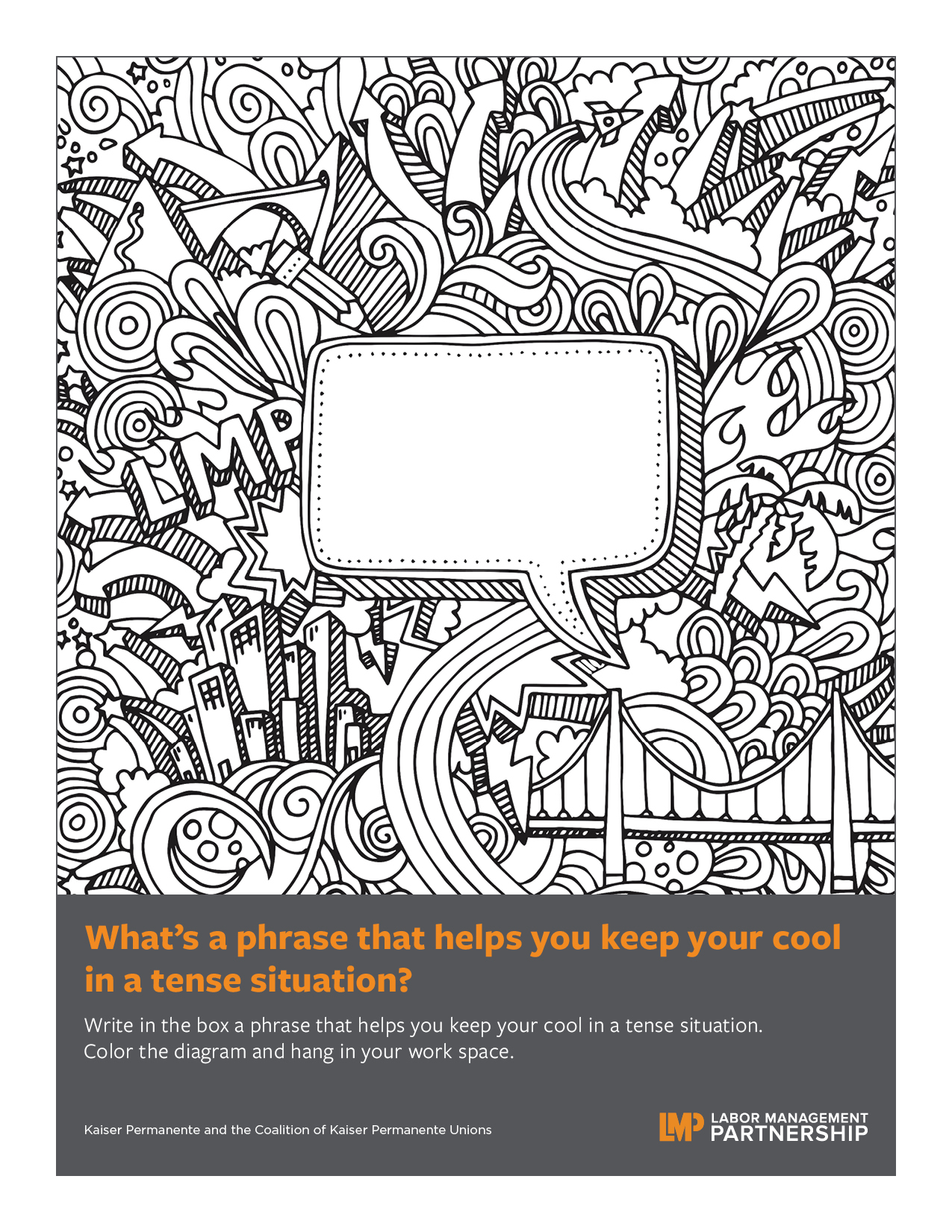
Best used: Write in the box a phrase that helps you keep your cool in a tense situation. Color the diagram and hang in your work space.
Format: PDF
Size: 8.5" x 11"
Intended audience: Frontline workers, unit-based teams
Best used: Post these inspiring words from a nurse on our #FreeToSpeak culture on your department's bulletin board or in a break room.
Format:
PDF (color or black and white)
Size:
8.5" x 11"
Intended audience:
Frontline workers, unit-based teams
Best used:
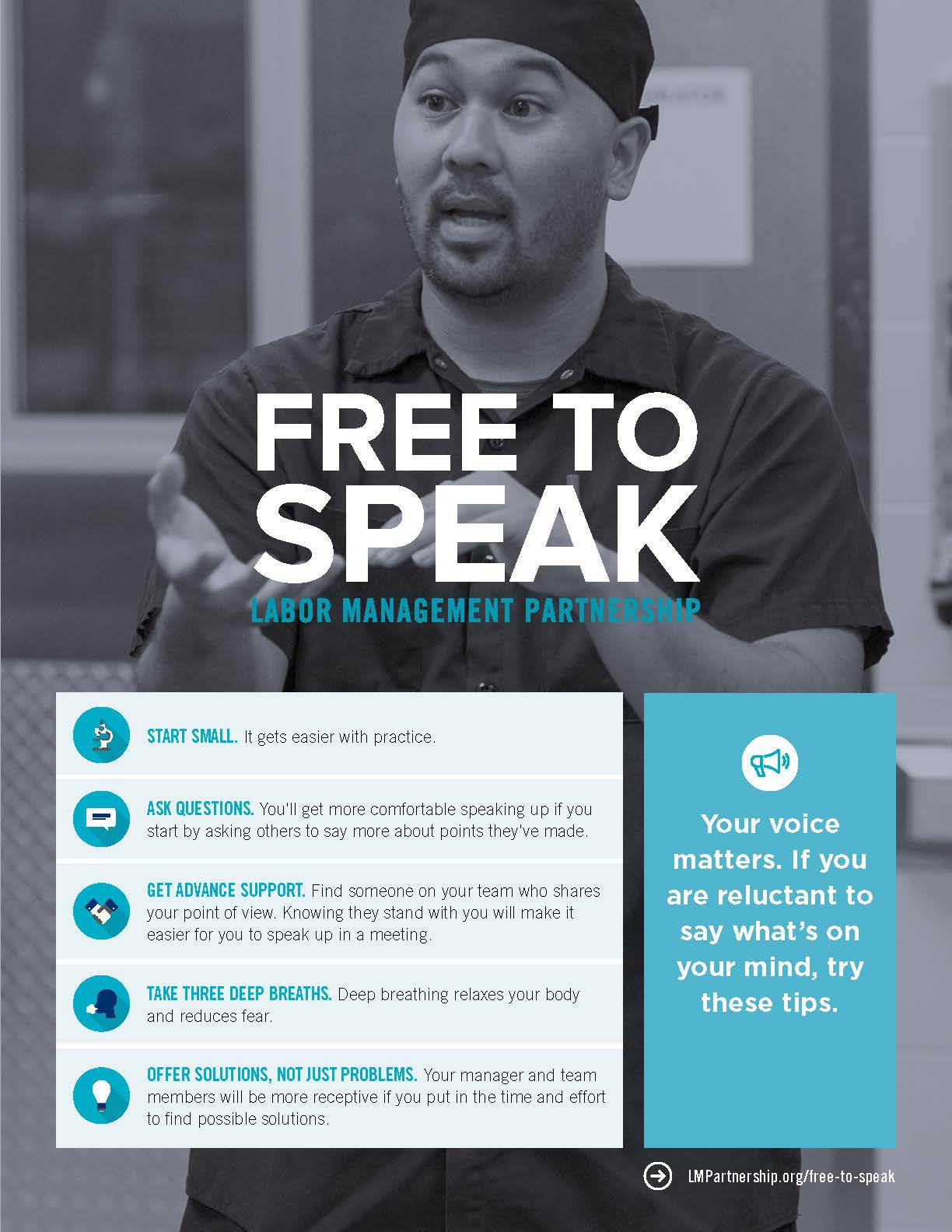
Post these five tips for speaking up and being heard on bulletin boards and in break rooms.
Format:
PDF (color and black and white)
Size:
8.5" x 11"
Intended audience:
Frontline employees, managers and physicians
Best used:
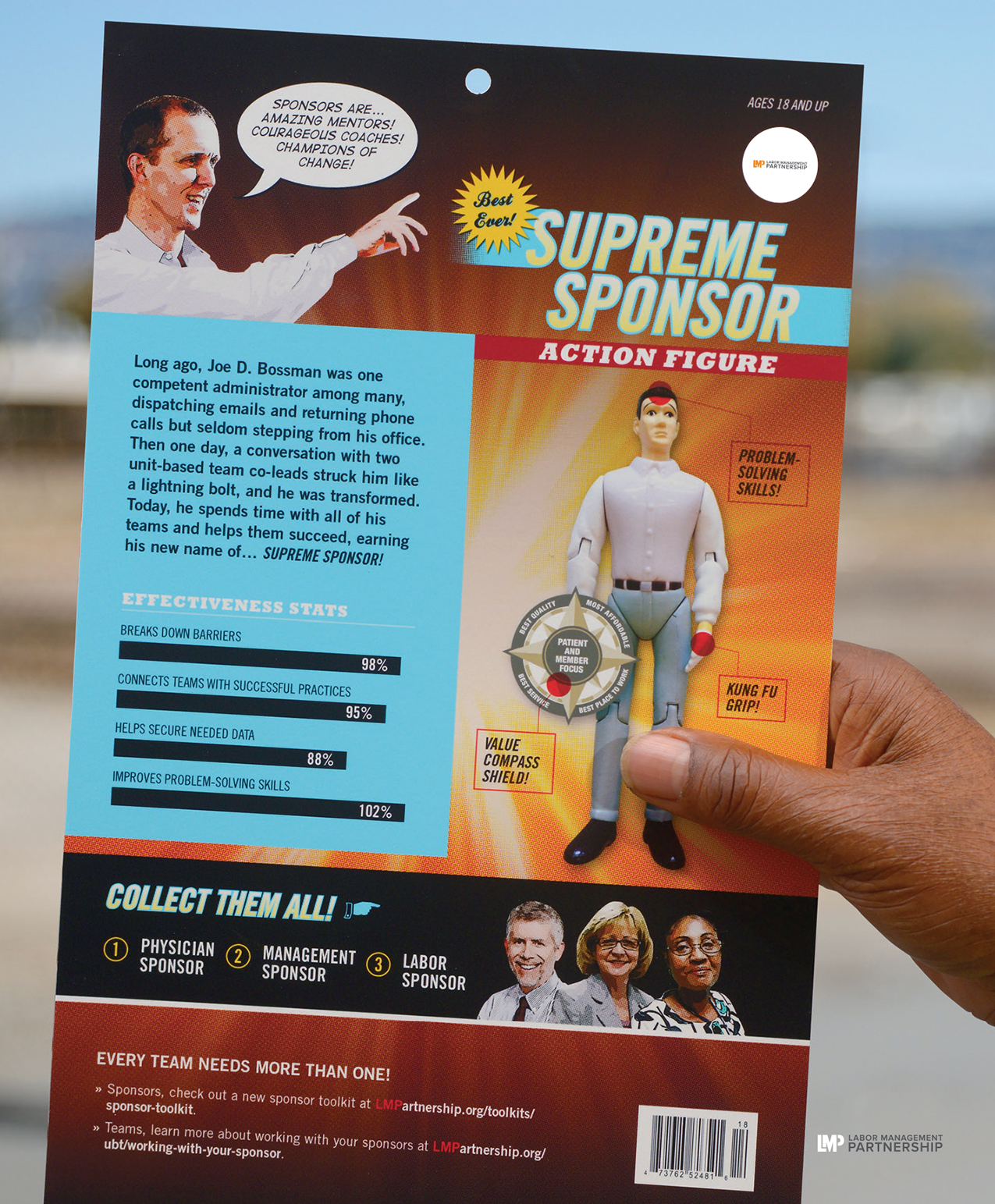
Share on bulletin boards, in break rooms and in other staff areas to provide a lighthearted look at sponsorship.