Best Place to Work

Help Video

How to Find UBT Basics on the LMP Website

Learn how to use the LMP website:

LMP Website Overview

Learn how to use the LMP website:

How to Find How-To Guides

This short animated video explains how to find and use our powerful how-to guides

Learn how to use the LMP website:

How to Find and Use Team-Tested Practices

Does your team want to improve service? Or clinical quality? If you don't know where to start, check out the team-tested practices on the LMP website. This short video shows you how. 

Learn how to use the LMP website:

How to Use the Search Function on the LMP Website

Having trouble using the search function? Check out this short video to help you search like a pro!

Learn how to use the LMP website:

How to Find the Tools on the LMP Website

Need to find a checklist, template or puzzle? Don't know where to start? Check out this short video to find the tools you need on the LMP website with just a few clicks. 

Learn how to use the LMP website:

How-To Guide: Lifelong Learning

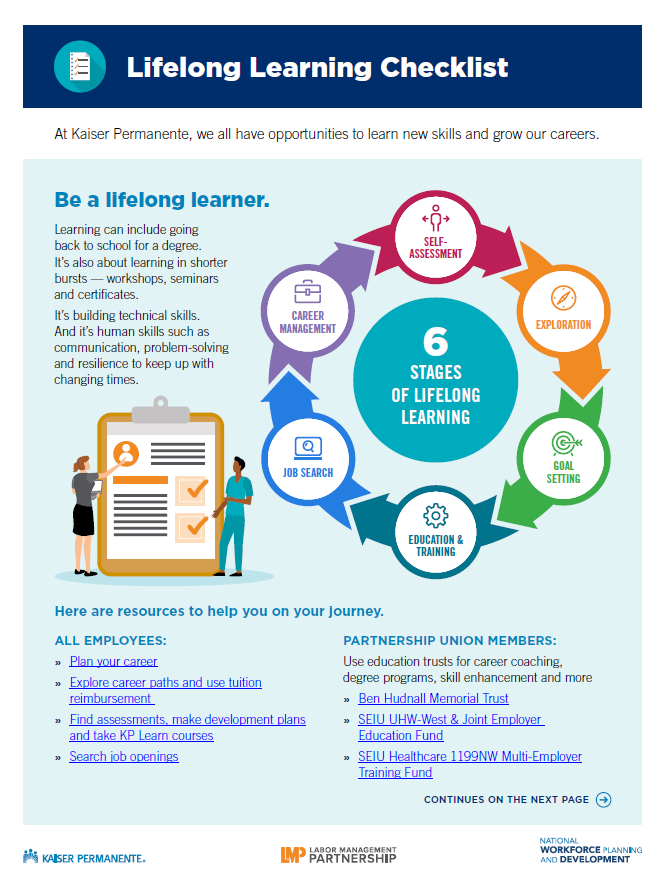
Use these toolkit materials to communicate about lifelong learning.

Lifelong learning is the ongoing process of continuing to educate yourself and build skills. It can include going back to school for a degree. It's also learning in shorter bursts -- workshops, seminars, and certificates. It's technical skills. And it's human skills, such as problem-solving, to keep up with changing times. 

Learning helps you grow your career. It also helps the organization improve quality and service.
TOOLS

Lifelong Learning Communications Toolkit

Format:
PDF

Size:
8.5" x 11"

Intended audience:
Communicators, workforce development professionals, managers, union leaders, executives

Best used:
This toolkit has information for all Kaiser Permanente employees that markets and functions can use to promote lifelong learning.

Related tools:

TOOLS

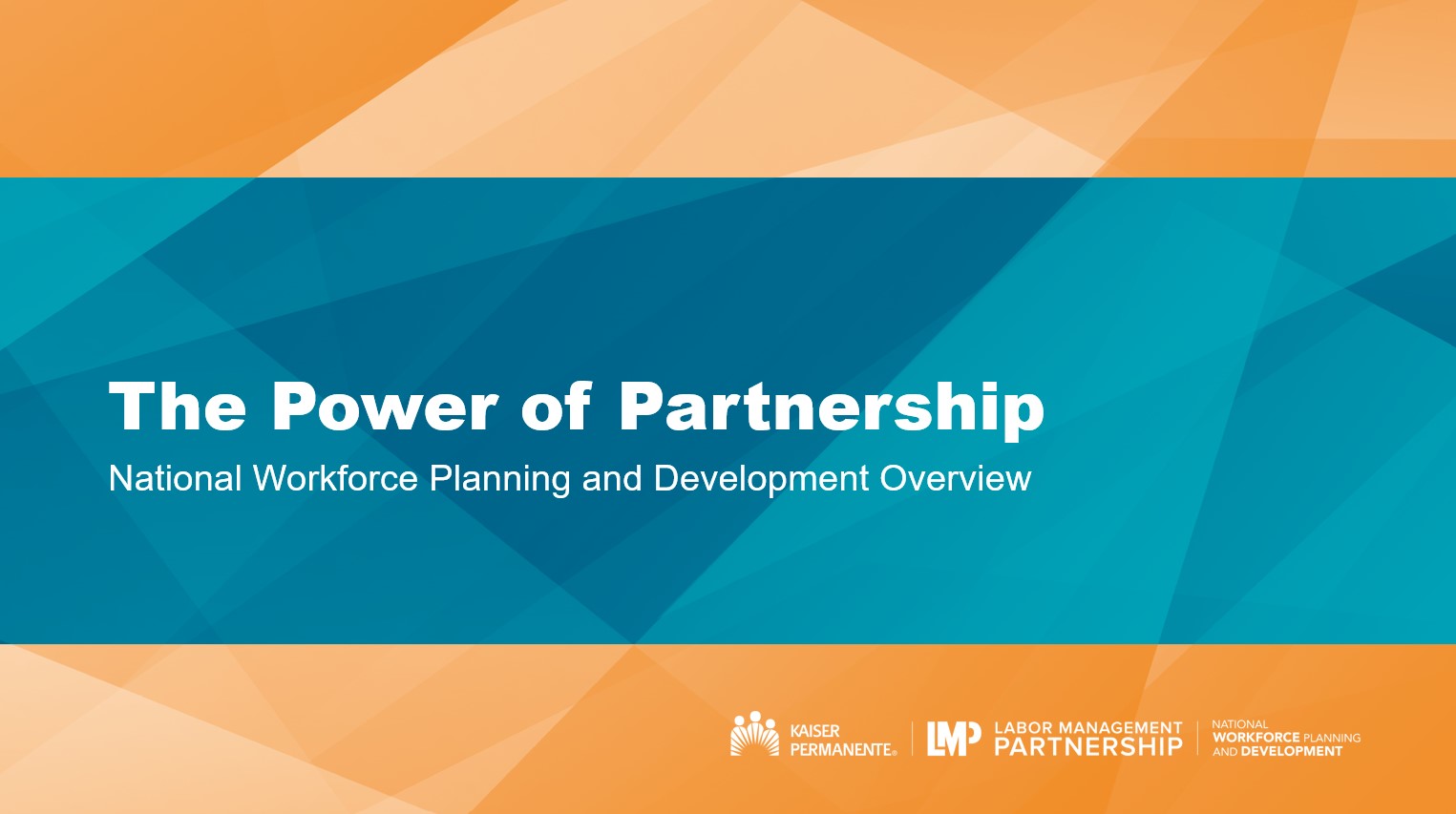
Power of Partnership Meeting Presentation

Format:
PPTX

Size:
1280 x 720 pixels

Intended audience:
Communicators, workforce development professionals, managers, union leaders, executives

Best used:
Use this presentation with notes and accompanying video in team meetings to discuss workforce development resources. 

Related tools:

TOOLS

Workforce of the Future Virtual Backgrounds

Format:
JPG

Size:
1920 x 1080 pixels

Intended audience:
Anyone attending or hosting online meetings.

Best used:
Upload to Microsoft Teams, Zoom, or any other virtual meeting platform.

Related tools:

TOOLS

Build Trust and Connection

Format:
PDF

Size:
8.5" x 11"

Intended audience:
Frontline workers, managers and leaders 

Best used:
Understand key concepts from the National Health Safety Well-Being Committee to foster Just Culture: a healthy, safe work environment that builds trust and connection.

Related tools:

TOOLS

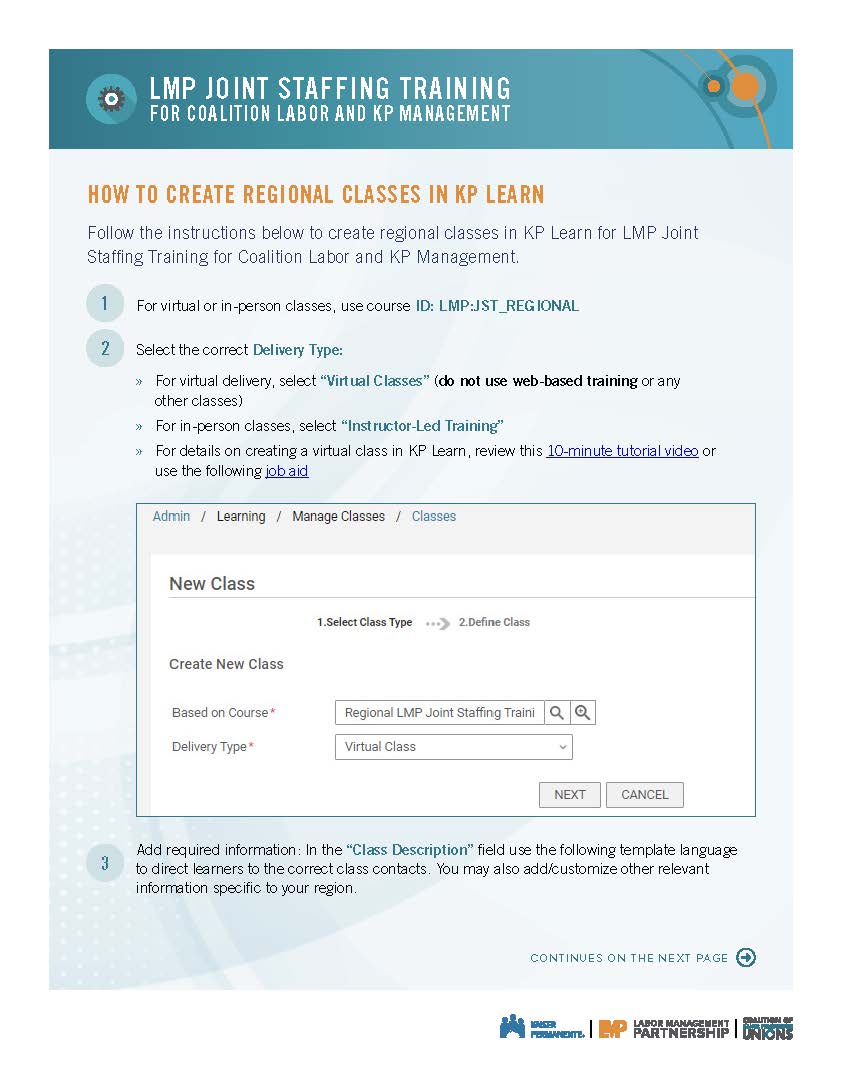
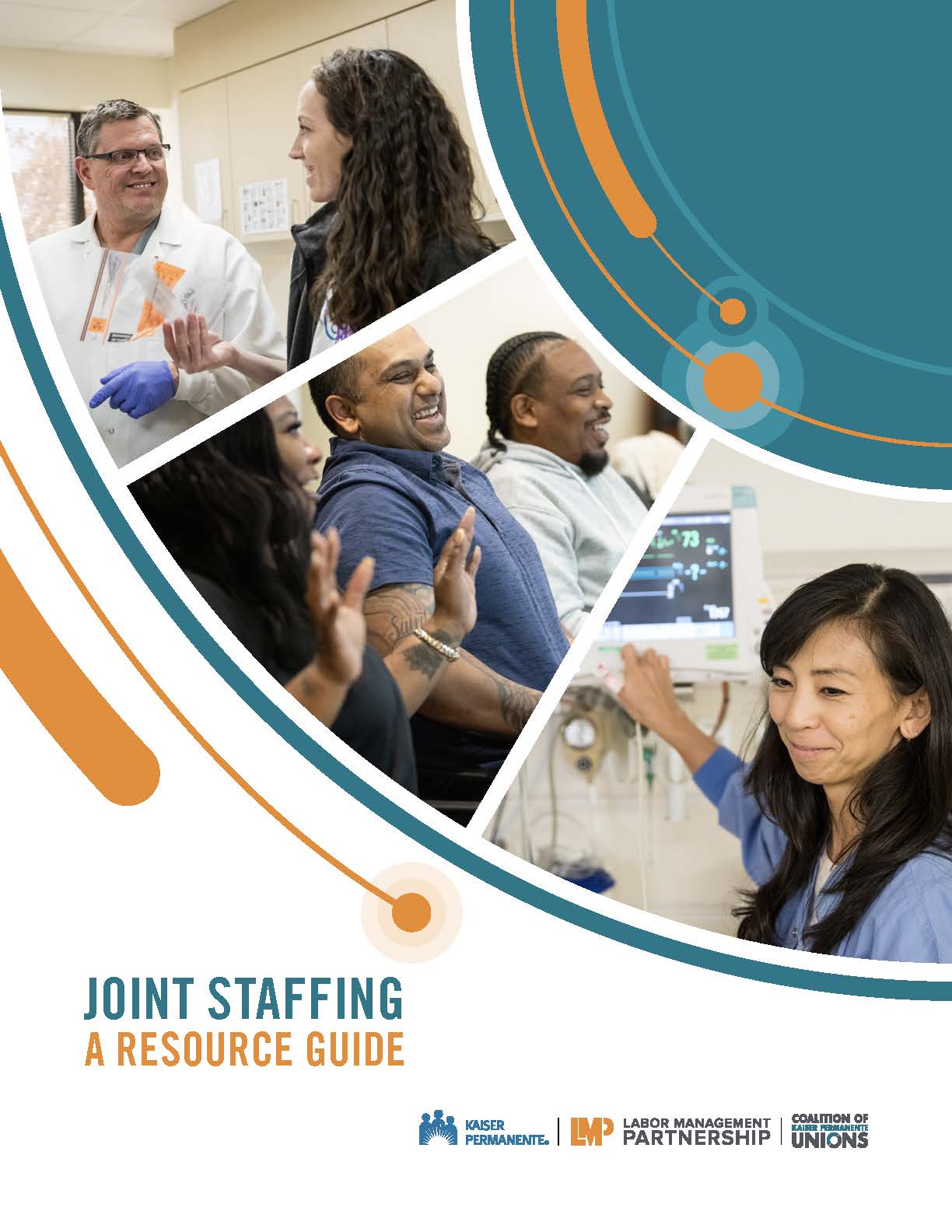
Coalition Joint Staffing: A Resource Guide

Format:
PDF

Size:
37 pages

Intended audience:
Unit-based teams with Coalition-represented workers 

Best used:
Use this resource guide to understand joint staffing and what is expected at each stage of the process.

Related tools:

Pages

Subscribe to RSS - Best Place to Work