lmpartnership.org

Help Video

How to Find UBT Basics on the LMP Website

Learn how to use the LMP website:

LMP Website Overview

Learn how to use the LMP website:

How to Find How-To Guides

This short animated video explains how to find and use our powerful how-to guides

Learn how to use the LMP website:

How to Find and Use Team-Tested Practices

Does your team want to improve service? Or clinical quality? If you don't know where to start, check out the team-tested practices on the LMP website. This short video shows you how. 

Learn how to use the LMP website:

How to Use the Search Function on the LMP Website

Having trouble using the search function? Check out this short video to help you search like a pro!

Learn how to use the LMP website:

How to Find the Tools on the LMP Website

Need to find a checklist, template or puzzle? Don't know where to start? Check out this short video to find the tools you need on the LMP website with just a few clicks. 

Learn how to use the LMP website:

TOOLS

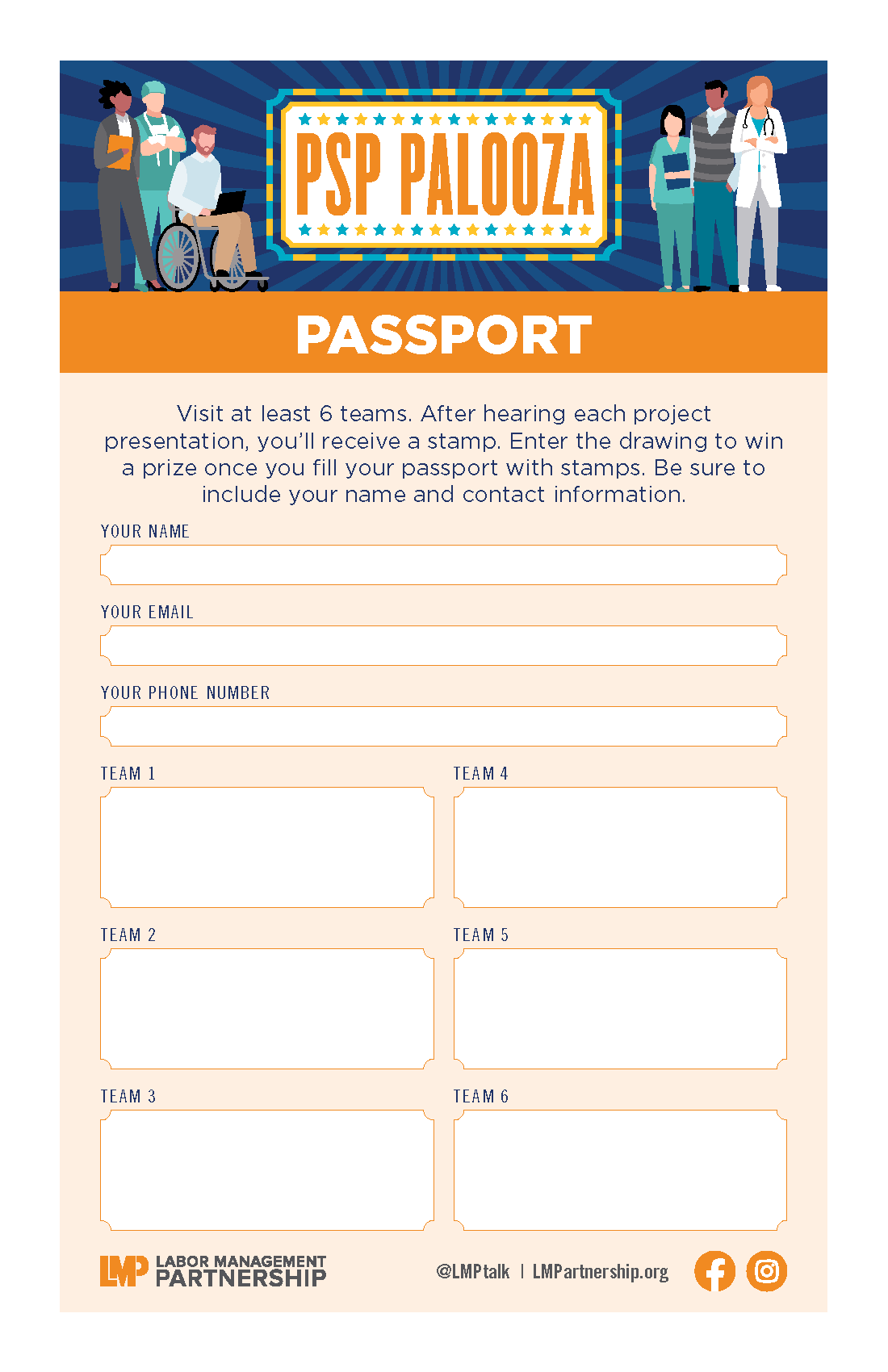
PSP Palooza Passports

Format:
PDF

Size:
8.5" x 11"  

Intended audience:
PSP Palooza guests, including frontline workers, managers, and physicians

Best used:
Download, print and hand out these passports at your PSP Palooza to ensure participants visit teams and learn about their successful practices. Teams presenting at the fair can mark off participants’ passports with a pen or colorful sticker. Participants can redeem the passports for snacks or giveaways. Also, use the passports as tickets for raffle drawings at your event.

For more tools, please visit the How-To Guide: PSP Palooza in a Box.

Related tools:

TOOLS

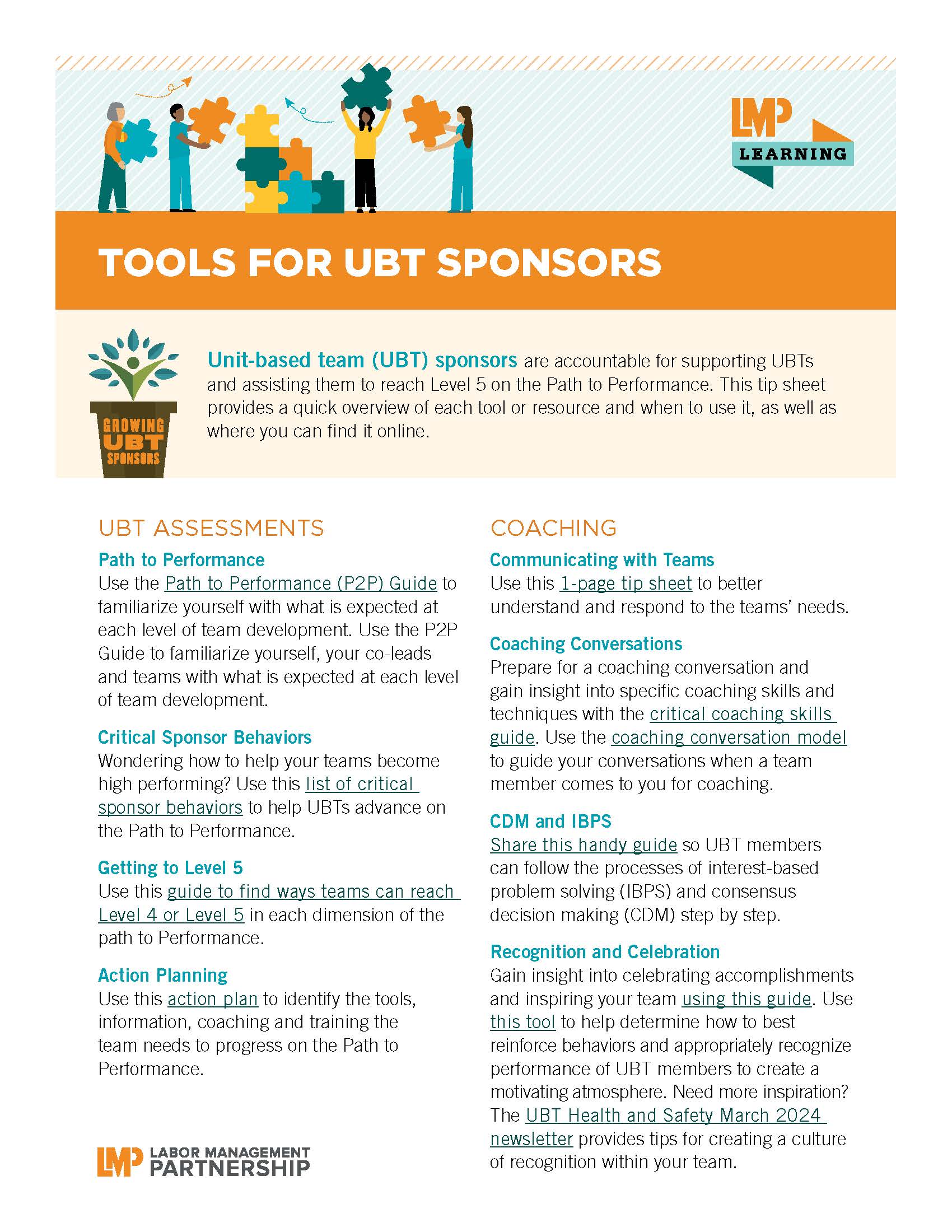
Unit-Based Team Sponsor Handbook

Format: 
PDF

Size: 
18 pages; 8.5" x 11"

Intended audience: 
Labor, management and physician sponsors who support unit-based teams

Best used:  
This interactive handbook provides the fundamentals for sponsors to successfully work in partnership.

Related tools:

TOOLS

LMP Logo

Formats: This ZIP file contains two-color and black-and-white versions of the LMP logo in the following five formats:

  • PNG - The most widely used lossless image compression format on the internet; this is typically the format preferred for web projects.
  • TIF – The .tif format does not use compression, so it does not lose image information; this is typically the format preferred for print projects.
  • EPS – The .eps file is the original file format (Adobe Creative Cloud). It ensures the highest possible output quality. If you are working with a professional designer, this is the file format he or she will want to use.
  • JPG – This compressed .jpg file requires less memory than .eps or .tif file types. Use for web and email applications and for multimedia such as PowerPoint presentations.
  • GIF – This small file format uses the minimum amount of information possible. Use it for web and multimedia such as PowerPoint presentations. The .gif format provides the option of saving with transparent background. You can also use it for simple animations on the web.The .tif format does not use compression, so it does not lose image information; this is typically the format preferred for print projects.

Please do not alter the configurations and do not substitute any other font or wording. Refer to the LMP Brand Guidelines for more information.

Links to individual files in the ZIP (use cntrl-click or option-click then "save link as"):

Related tools:

Connecting the Dots With Popular Education

Deck: 
LMP course brings business, economic issues to life

Story body part 1: 

Receptionist Sam Eckstein encourages his co-workers at the Woodland Hills Medical Center lab not only to meet—but to exceed—patient expectations of excellent service. To back up his coaching, he’s using the knowledge he gained in a new LMP course on business and economic literacy.

During the course, Eckstein and about a dozen other workers and managers learned about the rising cost of health insurance in the United States and the trend toward businesses’ shifting more health care costs to employees.

Because patients are paying more, “Their expectations are higher,” says Eckstein, a member of SEIU UHW. “When patients come in without an order [for a lab procedure], we can’t just send them home,” and inconvenience them by making them come back another day, he says. “We have to help meet their needs.”

Eckstein took part in a pilot project to test the Labor Management Partnership’s new approach using popular education techniques to ensure frontline employees and managers have the context and know-how they need to continue improving team performance and keep Kaiser Permanente affordable.

What’s different about popular education?

Popular education turns the old-fashioned schoolroom model of teaching and learning on its head. It is ideally suited to the Labor Management Partnership, which is built on the belief that all employees, managers and physicians bring their expertise and experience to bear on improving service and care at KP. No longer is the teacher or trainer the sole expert in the classroom, there to fill students’ minds with information they passively receive, memorize and repeat.

Instead, popular education taps into participants’ experiences in their communities and workplaces and uses them to generate dialogue. It explores the social and economic context of students’ lives and asks probing questions: What are people happy about? Worried about? Fearful about? Hopeful about? Students are encouraged to analyze that information—and to take action.

TOOLS

UBT Chief's Role

Format: Printed flyer or PDF
Size: 8.5” x 11”
 

Intended audience: Physicians in Chief and physician team leads
Best used: In meetings and trainings. Can be posted on bulletin boards or in offices

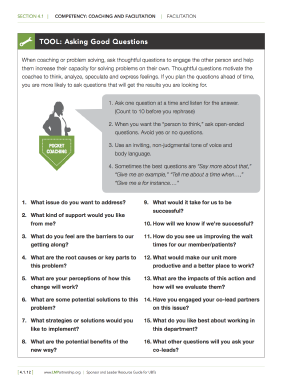
Description: Why should physician leaders support unit-based teams? Simply because the teams remain our best hope for a workplace that supports better delivery of care and service. Find out more in this short letter-size piece that features frequently-asked questions about UBTs.

Related tools:

Pages

Subscribe to RSS - lmpartnership.org