Frontline Managers

Help Video

How to Find UBT Basics on the LMP Website

Learn how to use the LMP website:

LMP Website Overview

Learn how to use the LMP website:

How to Find How-To Guides

This short animated video explains how to find and use our powerful how-to guides

Learn how to use the LMP website:

How to Find and Use Team-Tested Practices

Does your team want to improve service? Or clinical quality? If you don't know where to start, check out the team-tested practices on the LMP website. This short video shows you how. 

Learn how to use the LMP website:

How to Use the Search Function on the LMP Website

Having trouble using the search function? Check out this short video to help you search like a pro!

Learn how to use the LMP website:

How to Find the Tools on the LMP Website

Need to find a checklist, template or puzzle? Don't know where to start? Check out this short video to find the tools you need on the LMP website with just a few clicks. 

Learn how to use the LMP website:

How to Prioritize Team Goals

Deck: 
Tool helps teams rank projects for most impact

Story body part 1: 

Successful unit-based teams take on multiple goals on the Value Compass, get results and move on. But focusing on the right goals—and not getting lost in the process—can be a challenge. Fresno Medical Center, which reports the highest percentage of high-performing UBTs in all of Kaiser Permanente, has developed tools to help teams set priorities. The prioritization matrix, a tool used in performance improvement, is part of a four-step process.

•   Step 1: Identify improvement opportunities with the team. Develop ideas with the help of the team sponsors or UBT consultants, and pay special attention to your Performance Sharing Program (PSP) goals.

•   Step 2: Use the Project Prioritization Matrix to determine project priority.

•   Step 3: Enter project data into UBT Tracker.

•   Step 4: Share project information with the UBT consultant or union partnership representative, who can connect the team with other resources, including “affinity groups” working on similar goals.

“It’s a very simple process that helps teams focus and know why they’re doing what they’re doing,” says Fresno’s Navneet Maan, a UBT consultant.  

“Teams can work through this process during their regular meetings,” she adds. “The project selection becomes a more transparent process, and the tool helps align their work with regional goals that will make a difference to members and patients.”
TOOLS

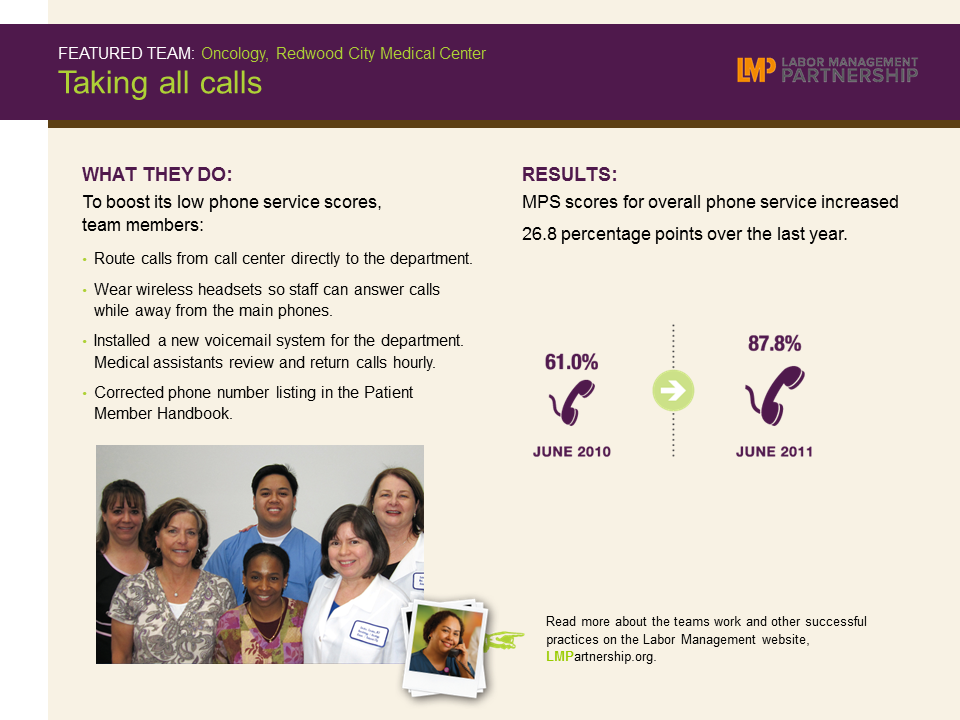
Redwood City UBT Improves Phone Service

Format:
PowerPoint slide

Size:
8.5" x 11"

Intended audience:
Frontline teams, managers, sponsors, physicians

Best used:

This one-page slide shows how the Oncology unit-based team in Redwood City boosted its low phone scores. Save on to your computer to include in meetings or presentations as an example of UBT performance around telephone service.

Related tools:

TOOLS

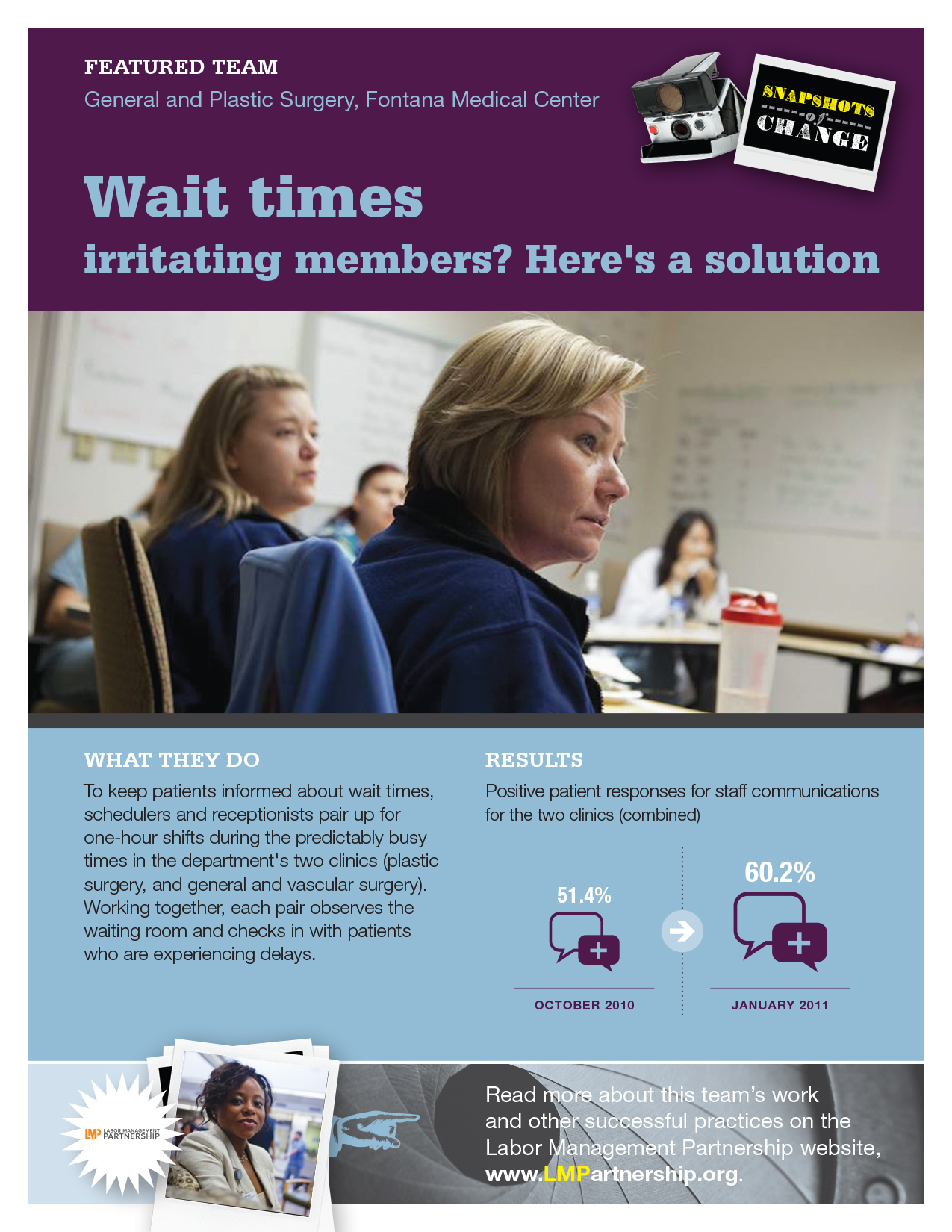
Poster: Wait Times Irritating Members?

Format:
PDF (color and black and white)

Size:
8.5" x 11"

Intended audience:
Frontline employees, managers and staff

Best used:
This poster, for use on bulletin boards in break rooms and other staff areas, features a surgery team that found a way to make waiting less painful.

Related tools:

TOOLS

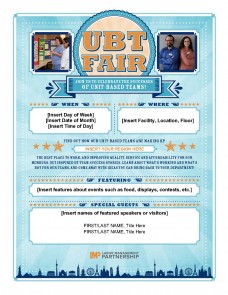
UBT Fair Poster Template

Format:
Word document

Size:
8.5" x 11" 

Intended audience:
Frontline employees and stakeholders

Best used:
Use this fill-in-the blanks template to promote your UBT fair. Fill out template and download customized poster or flier to hand out at meetings or post on bulletin boards. Add details such as day, time and location and any special guests and activities planned for the fair. Post fliers in breakrooms, union halls and other places where frontline employees gather.

For more tools, please visit the How-To Guide: UBT Fair in a Box.

Related tools:

TOOLS

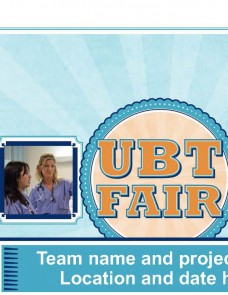
UBT Fair PPT Template for Team Presentations

Format:
PPT, 11 slides

Intended audience:
Frontline staff, managers, and physicians; regional and facility leadership.

Best used:
Unit-based teams can use this PowerPoint template to share their successful practices at a UBT fair or virtual gathering. This is an alternative to creating a storyboard. The template guides teams to insert key information (such as SMART goals, small tests of change, metrics, and learnings) onto each of the 11 slides for a quick and easy way to create a presentation for a UBT fair or similar event. 

For more tools, please visit the How-To Guide: UBT Fair in a Box.

Related tools:

TOOLS

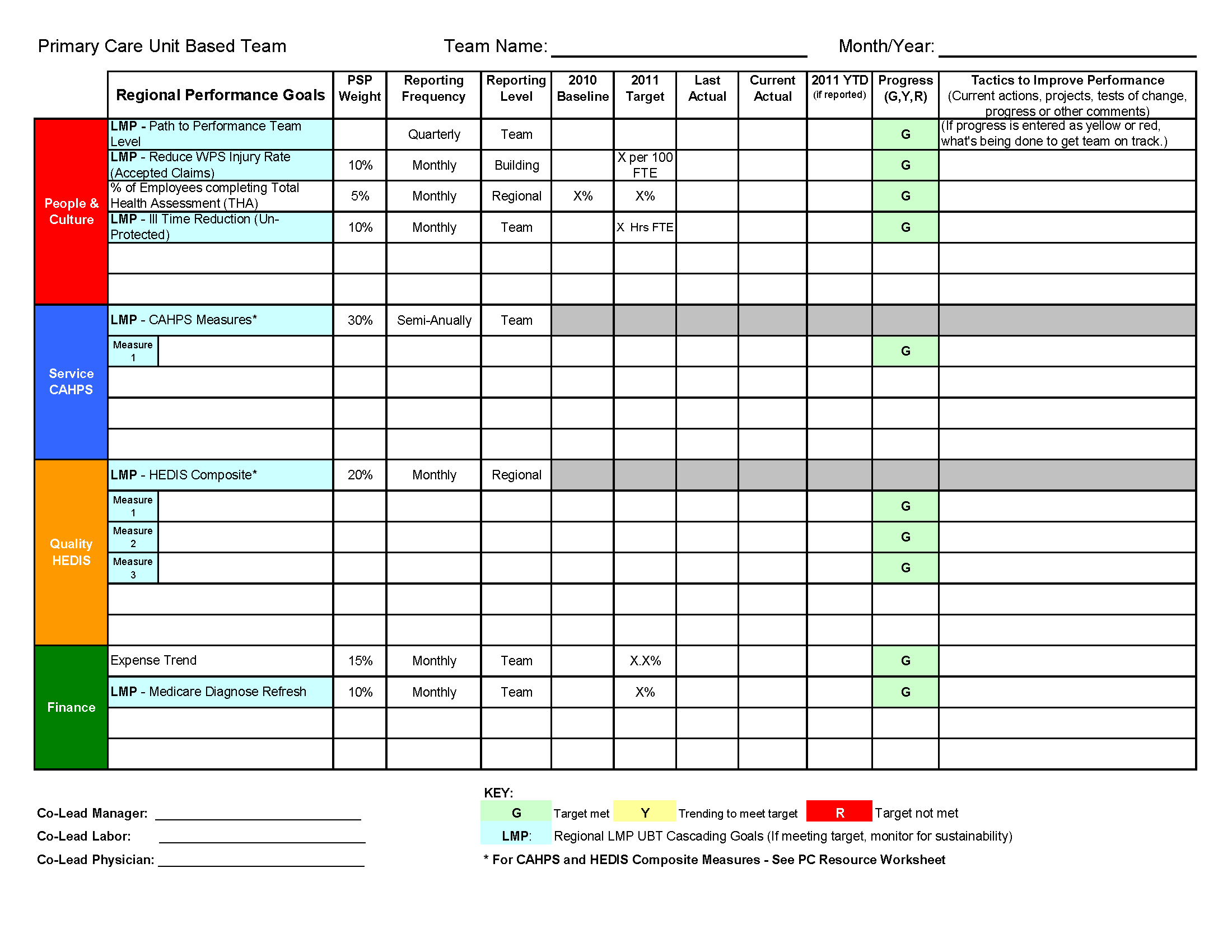
UBT Goals Worksheet

Format:
Excel spreadsheet

Size:
8.5" x 11" 

Intended audience:
UBT co-leads and sponsors

Best used:
This tool, developed by the Northwest region, can be adapted by other Kaiser Permanente regions to help team leaders and sponsors track team progress and tactics. Use it to report regular updates on team progress toward regional business goals.


Related tools:

TOOLS

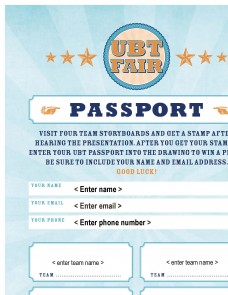
UBT Fair Passports

Format:
Word documents, 1 page each

Size:
8.5" x 11"  

Intended audience:
Frontline teams, managers, sponsors, physicians and guests to use at UBT fairs to ensure they learn about the successful practices of several teams

Best used:
Download and hand out these passports at your UBT fair to ensure participants visit several teams (passports come in a six-team and a four-team version). Teams presenting at the fair can mark off participants’ passports with a pen or colorful sticker. Participants can redeem the passports for snacks or giveaways. Also use the passports as tickets for raffle drawings at your event.

For more tools, please visit the How-To Guide: UBT Fair in a Box.

Related tools:

TOOLS

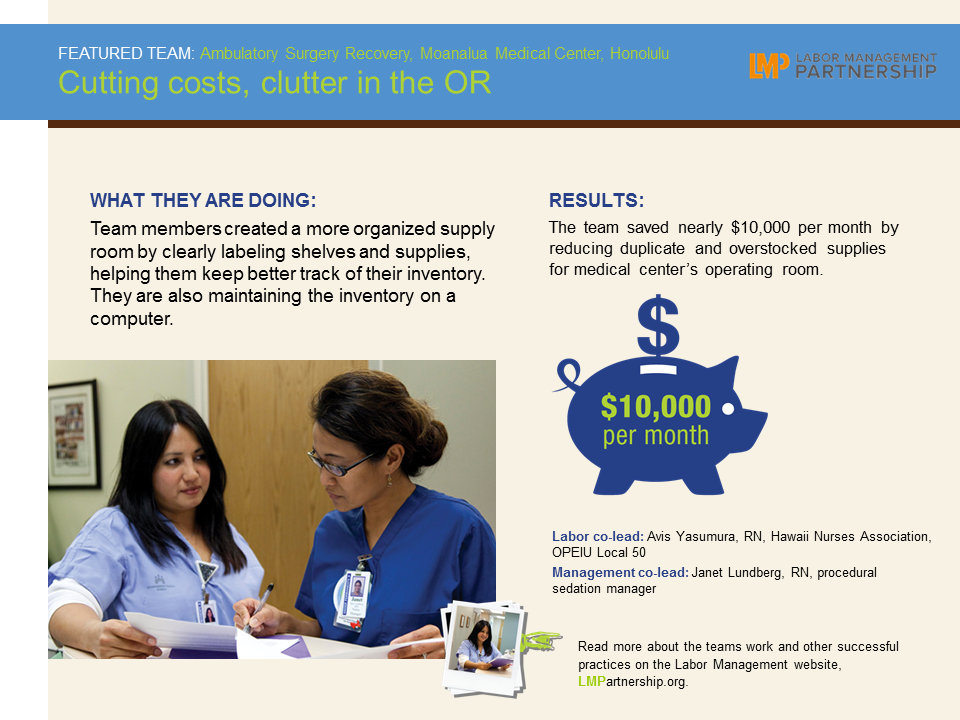
Hawaii UBT Cuts Costs, Clutter

Format:
PowerPoint slide

Size:
8.5" x 11"

Intended audience:
Frontline teams, managers, sponsors, physicians

Best used:
This one-page slide shows how an Ambulatory surgery recovery team in Hawaii saved nearly $10,000 per month by reducing duplicate and overstocked supplies in the Moanalua Medical Center operating room. Include in meetings or presentations as an example of UBT performance improvement.

Related tools:

TOOLS

Recognition Questionnaire

Format:
Doc

Size:
8.5" x 11"

Intended audience:
UBT co-leads

Best used:
This tool teaches co-leads that each team member wants to be recognized for work that leads to performance improvement. After asking each UBT member to complete this questionnaire, you will be able to provide appropriate recognition.

Related tools:

Pages

Subscribe to RSS - Frontline Managers